
How do I use AI Fengyue? 6 steps for beginners
Getting started with AI Fengyue takes just 6 steps: sign up, choose a model, create a character card, write an opening line, set up a lorebook, then save and share. Each step is illustrated — follow along to begin your first AI story.

Step 1
Sign up / log in
Open fyue.app in your browser, click "Get started" and follow the prompts to sign up or log in. Use a method you check regularly that can receive verification messages, so you can recover your account later.
Step 2
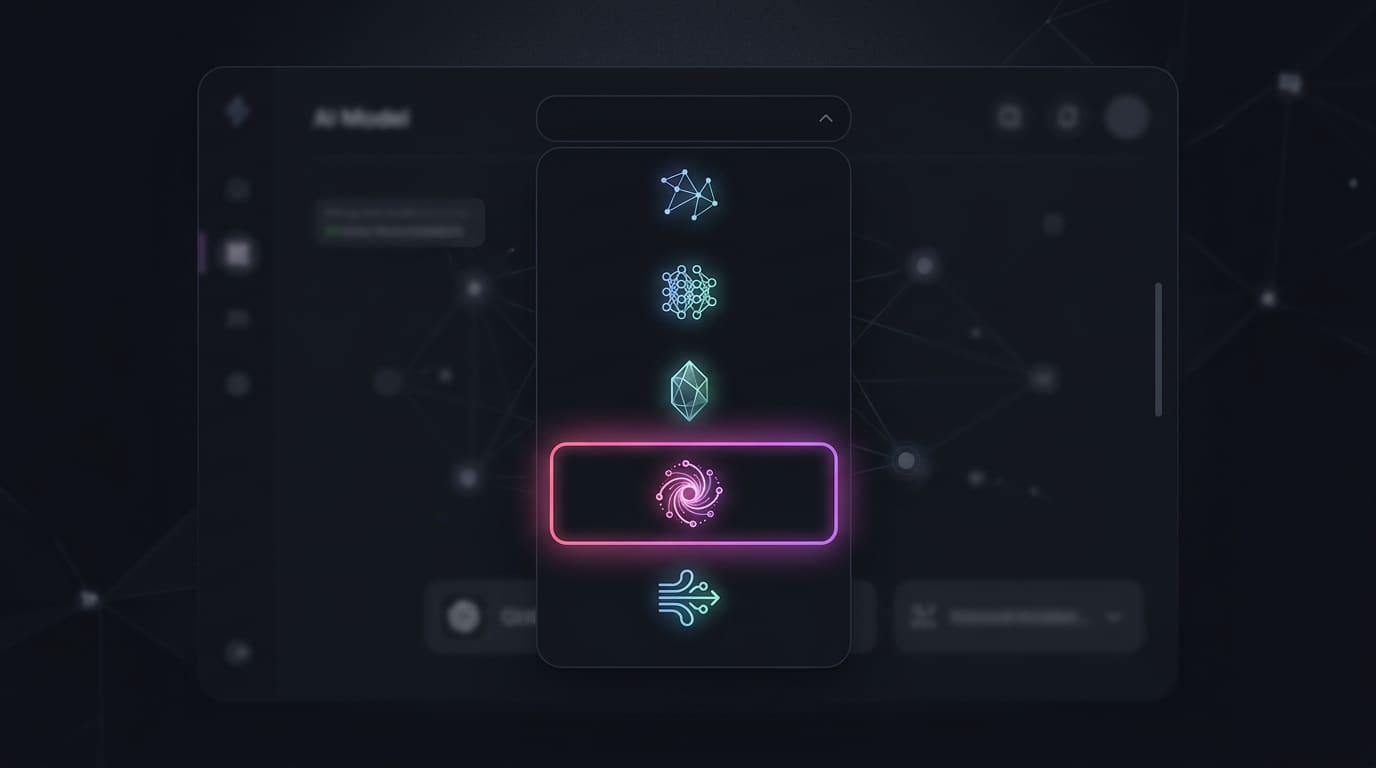
Choose a model
Pick an AI model on the chat page. For casual chat, choose a fast, low-cost model; for long stories, choose one that writes better. Point costs per model are shown on the platform.
Step 3
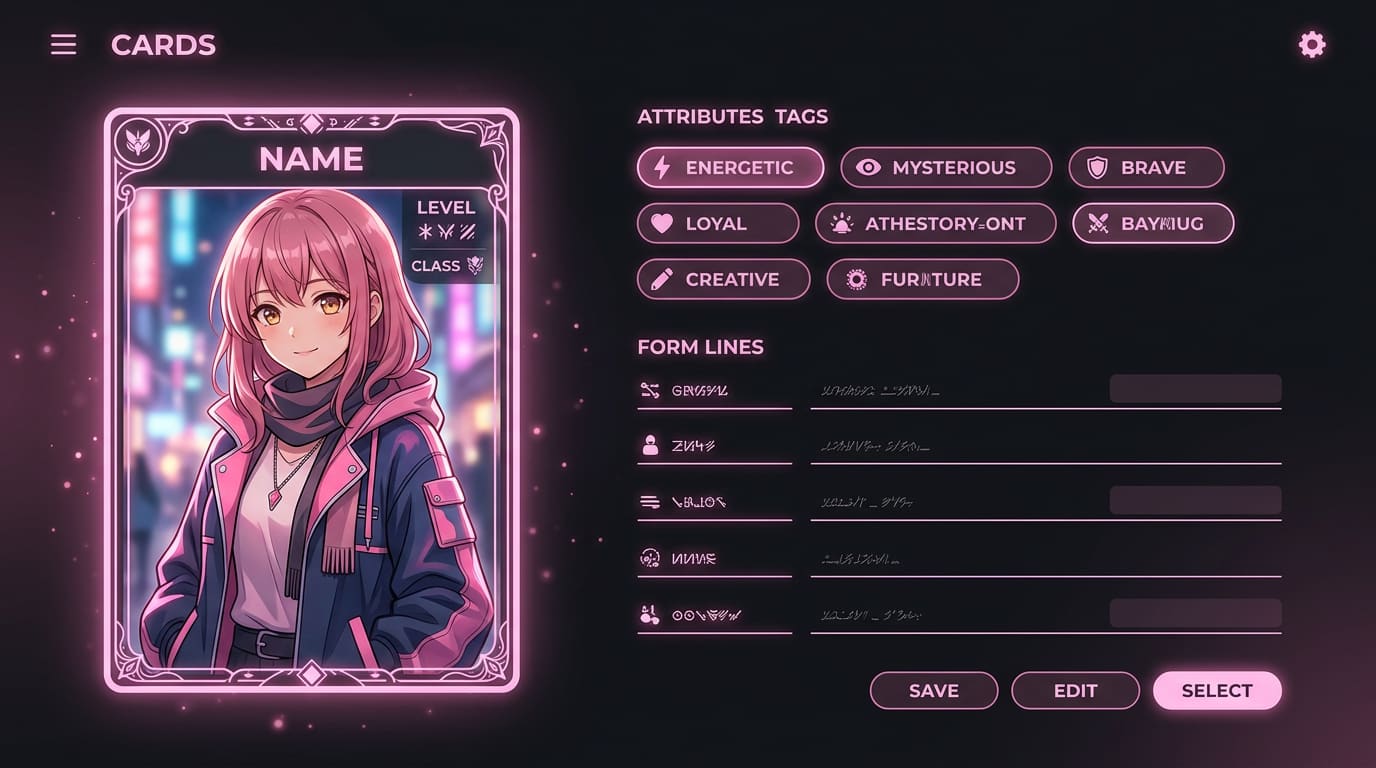
Create a character card
Click Create character and fill in the name, personality, way of speaking and your relationship, plus 2–3 example lines of dialogue. Clearly describing the core personality is enough — no need to pile on adjectives.

Step 4
Write an opening line
Write an opening line with a setting, an action and dialogue, for example: (She leans out of the shop holding a bunch of sunflowers) "Perfect timing — could you hold the ladder for me?" The opening line sets the story's tone and style.
Step 5
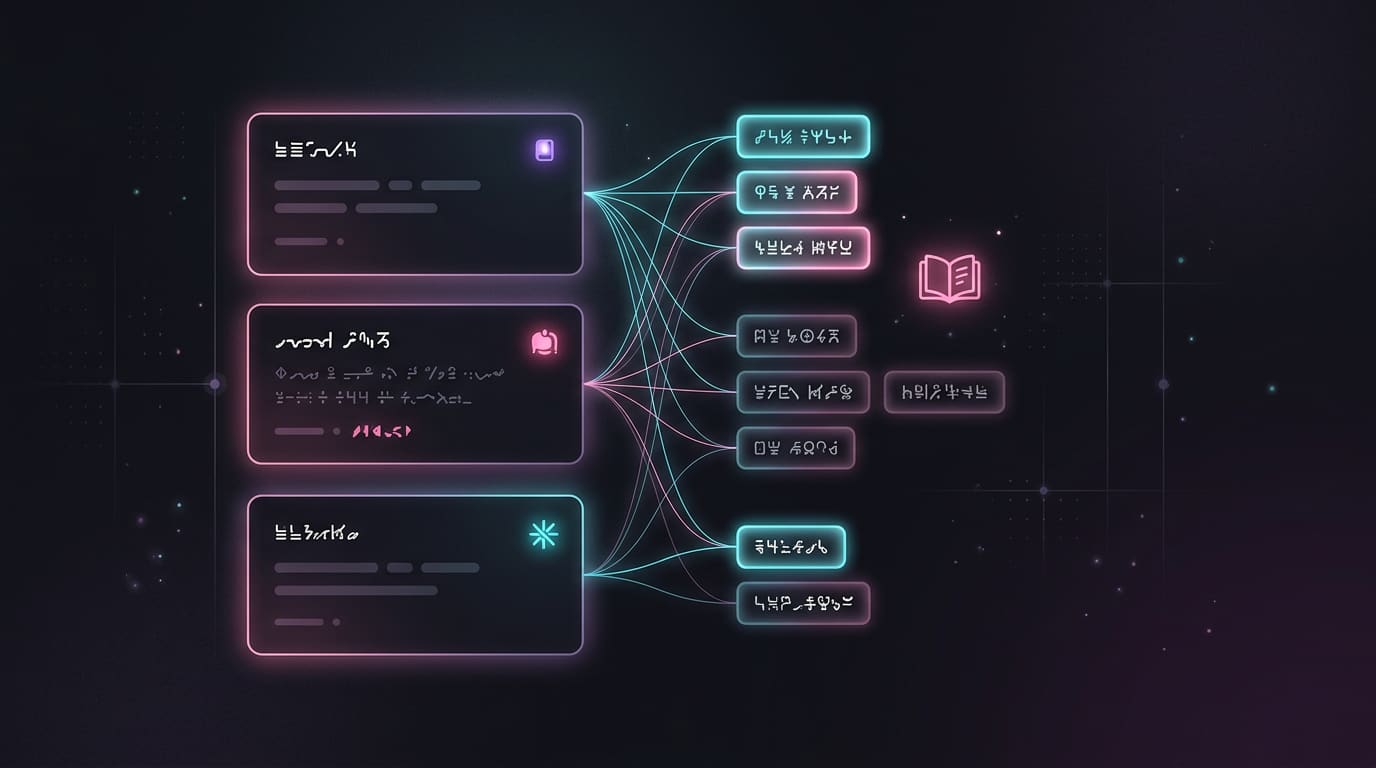
Set up a lorebook
Turn recurring places, factions and items into lorebook entries with keywords. When a keyword appears in the chat, the related lore is given to the AI. A lorebook is an on-demand reminder, not permanent memory.

Step 6
Save and share
Save your work once you are happy with it. Keep it private so only you can see it, or publish it to Explore to share with others. Lorebooks can also be shared, imported and exported.
Still have questions? See the FAQ or read the lorebook setup guide.
Follow the guide and start your first story
Open the AI Fengyue web app and follow the 6 steps above.